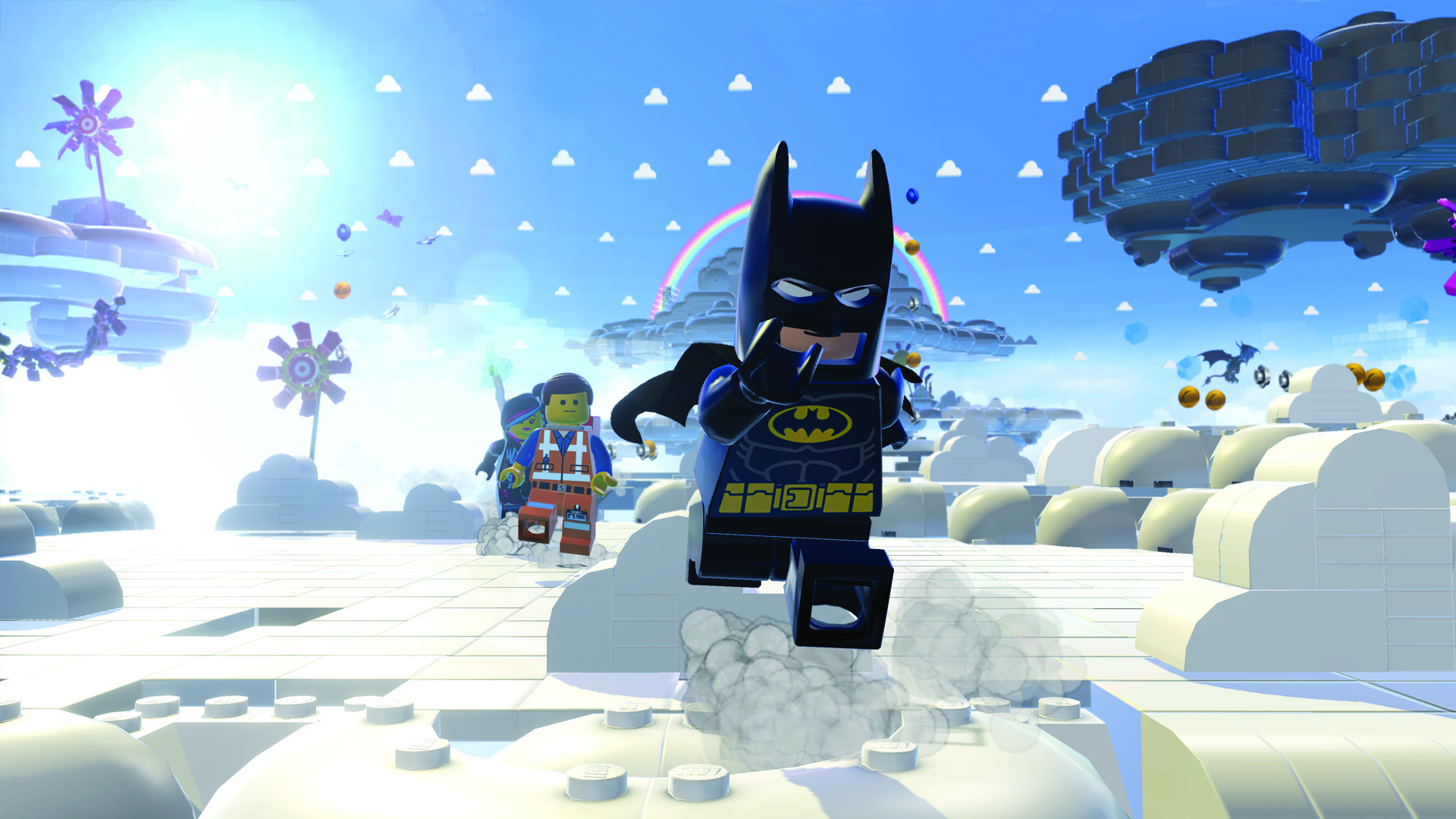
If you are trying to launch the LEGO Movie Videogame in Steam but the game is not starting up, try one of the following:
- Uninstalling and reinstalling the game via Steam will usually resolve this issue. To do this, click "Library" at the top of steam to open your game list
- Locate The LEGO Movie Videogame on your game list
- Right-click The LEGO Movie Videogame and select "Delete Local Content" to uninstall the game
- After uninstalling, you can find The LEGO Movie Videogame on your game list again and click it to install the game again, or you can search for The LEGO Movie Videogame via the Steam store to install it via the Store page
If you do not want to reinstall the game, try the following:
- Browse to the game files on your hard drive (Steam\steamApps\Common\The Lego Movie Videogame)
- Open up the _CommonRedist folder
- Open the DirectX folder\Jun2010
- Run setup.exe, then do the same for the _CommonRedist\vcredist folder (run x86.exe on 32 bit sytems, and x64.exe on 64 bit systems)
Once you've taken these steps, try launching the game again.
Related Articles
Need more? Submit a new question here, or track and view open tickets.